



She/Her
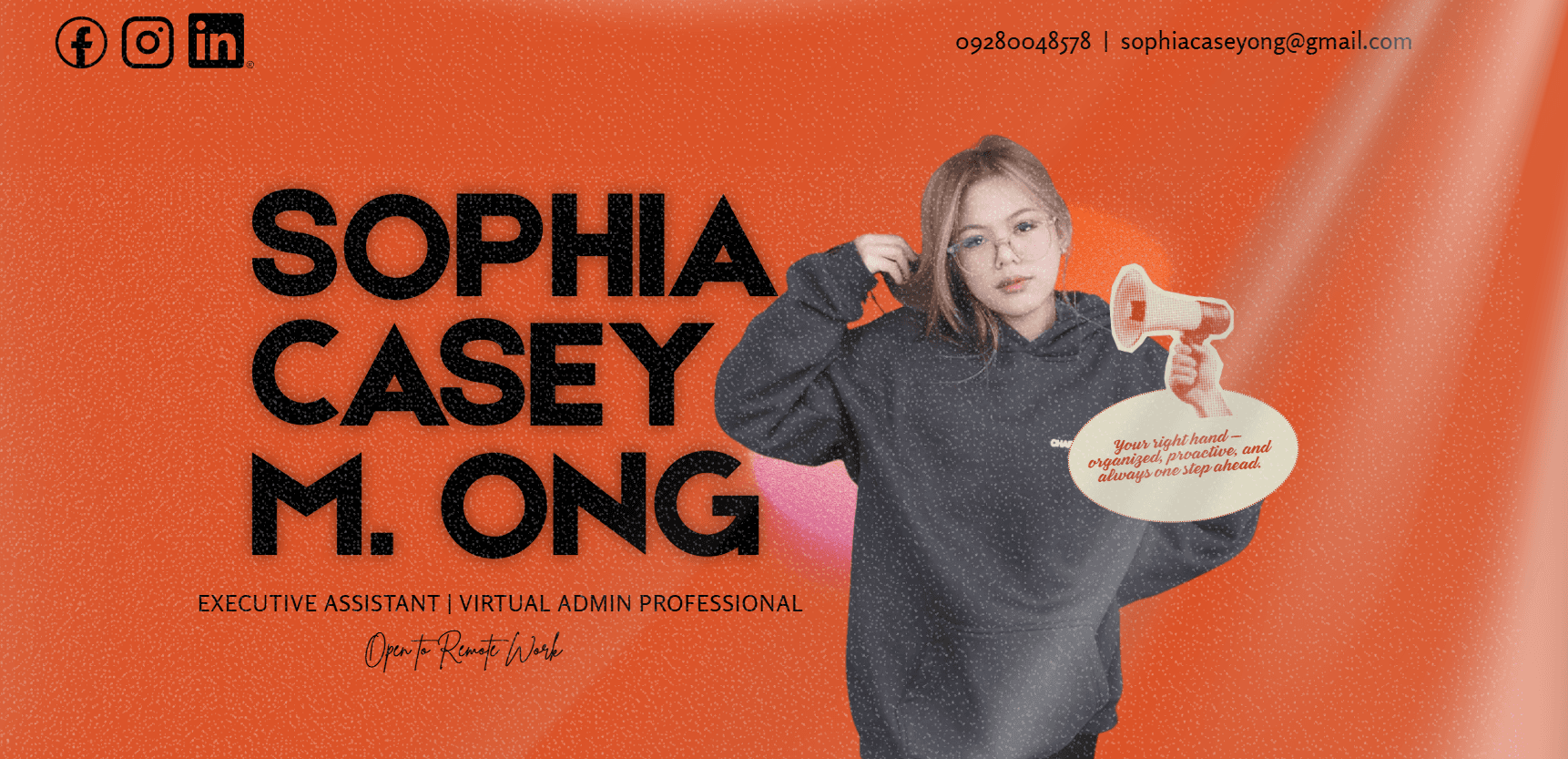
Sophia
I'm a detail-oriented operations and data professional who loves building efficient systems and automating repetitive tasks using AI tools. I thrive on helping teams run smoother, save time, and make
Endorsements
Well Connected
UGC Creator
About Me


Holy Angel St, Angeles, 2009 Pampanga

web development

Class of 2029
Holy angel university
Information Technology – Web Development
Class of Present
Holy Family Academy
stem
Class of 2024

Philippines
Skills
Interests
My Clubs and Associations

School Of Computing Student Countil
Code Geeks
Corunum
Peers Club
Brands I Follow






My Portfolio
Interview Questions
Yope
Shape the Future of Social Messaging

How important is privacy in your app usage?
Privacy is extremely important to me, not just personally but professionally. In my previous role as Internal Communications staff, I drafted official memos and announcements for an executive board, so I learned early how sensitive information needs to be handled with discretion. When I use a messaging app, I want end to end encryption as the default, not an optional setting. I also want control over who can see my online status, read receipts, and last seen. The apps I stick with are the ones that don't sell my data or use my conversations to train their algorithms without asking. For a new messenger trying to build real connections, privacy isn't a nice to have feature. It's the foundation. If I don't trust how my messages are handled, I won't use the app at all, no matter how pretty the design is.
Yope
Shape the Future of Social Messaging
What feature would make you use a messaging app daily?
The one feature that would make me use a messaging app daily is smart organization that separates work and personal conversations without me having to do it manually. I manage a lot of communication across campaigns, clients, and teams, so my messages become a cluttered mess really fast. If the app could automatically sort threads into folders based on context, like project names or relationship type, and let me set different notification rules for each folder, I would never leave. Another close second is scheduled send for messages, because I often think of something at midnight but don't want to bother someone until 9 AM. Most apps still don't have that built in, and it's a small feature that shows the developers actually understand how people communicate in real life.
Marketing
Graphic Designer for Amazon Listings

What tools do you prefer for designing marketing assets and why?
I prefer using Canva for most marketing assets because it's fast, collaborative, and has everything I need for social media graphics, email headers, and basic print materials. It saves me time when a client needs multiple sizes or quick revisions. For photo editing and retouching, I use Lightroom, especially when I'm working on product shots or social media content that needs consistent lighting and color grading. When I'm designing for web or need more control over layouts before handing off to a developer, I turn to Figma. It lets me wireframe full website interfaces and create clickable prototypes, which helps clients visualize the final product before any code is written. So my workflow is usually Canva for speed, Lightroom for polish, and Figma for structure.