


She/Her
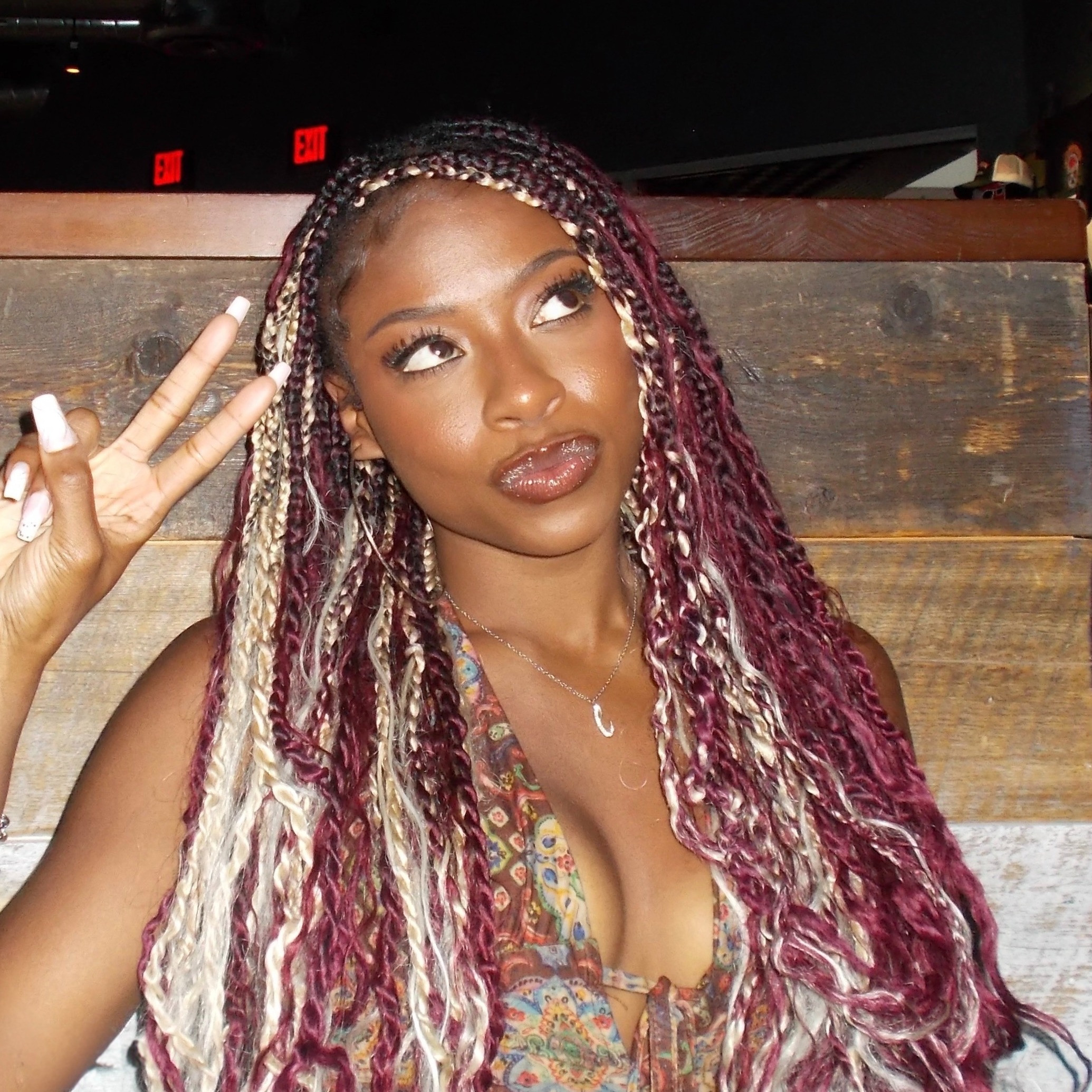
Lyric

A creative at heart who finds joy in making everyday things a little prettier (and a little funnier).
Endorsements
Verified
21+
UGC Creator
Campus professional
About Me

George Mason University

Fairfax, VA, US

Art and Visual Technology / Concentration in Graphic Design

Class of 2026
Virginia peninsula community college
graphic and media design
Class of 08/2024
Virginia peninsula community college
graphic and media design
Class of 08/2024

Fairfax, VA, USA
Skills
Interests
Brands I Follow



My Portfolio
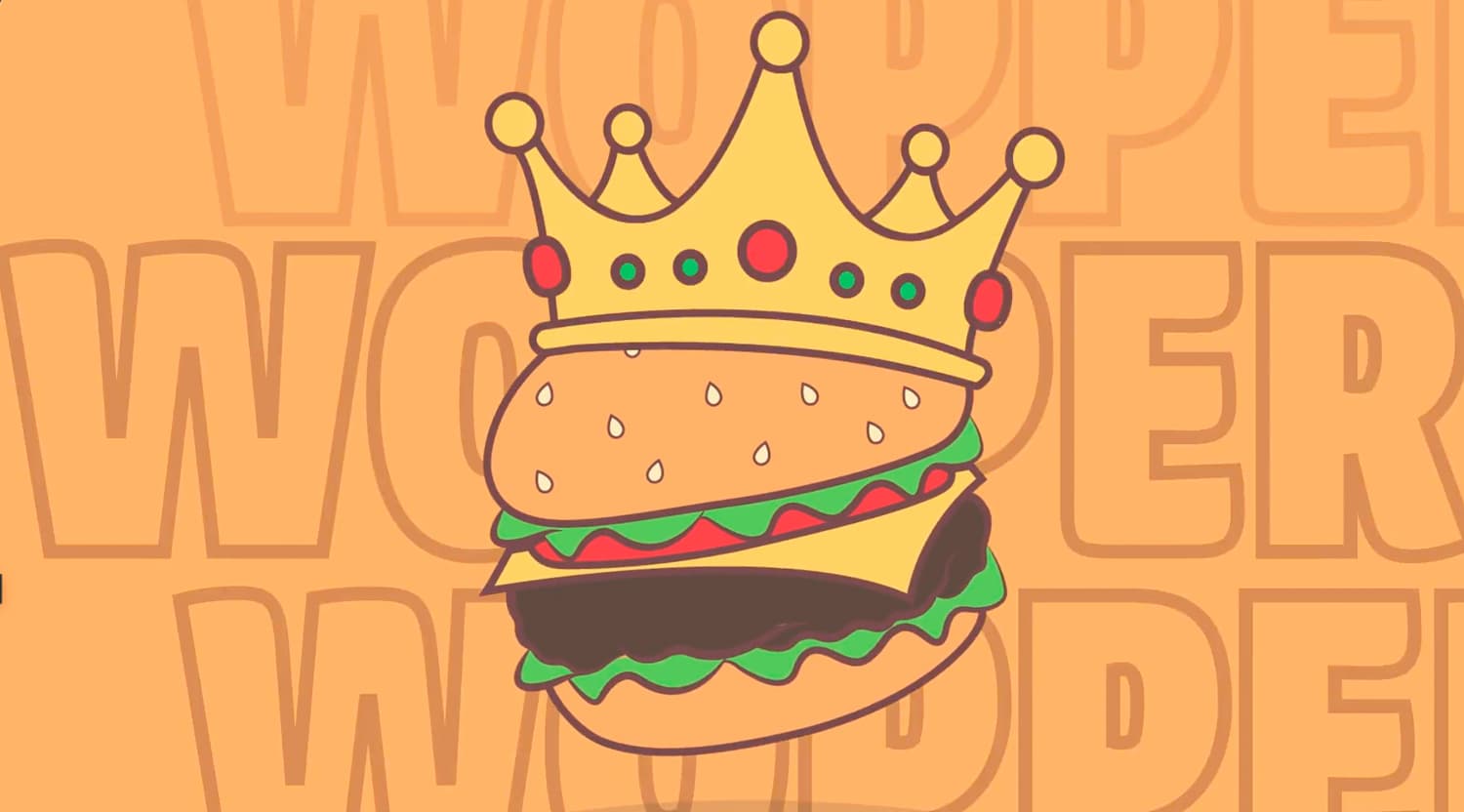
BURGER KING MOTION GRAPHIC
For this project, I was asked to create a kinetic typography commercial for a company of my choice. I decided on a Burger King commercial due to its fun tune and personality. When creating it, I wanted to make sure there were a lo

BATTLE OF THE MICS
For this project, I created a magazine layout, including a front cover and a two-page spread. I chose music as my topic, inspired by Recording Magazine, and focused on comparing three types of microphones. My goal was to create a

THE GUITAR
A close-up shot of an electric guitar, highlighting the strings, pickups, and rich wood texture, capturing the instrument’s detail
Interview Questions
Adobe
Adobe Acrobat Student Creator

Please link your IG/TikTok accounts HERE.
Adobe
Adobe Acrobat Student Creator
KNowing the tone and Style expectations in the GIG description, Brainstorm a concept you'd bring to life if you're accepted into this GIG.
My concept is a short-form video titled “Same Project, Different Outcome” that highlights how presentation can completely change the impact of student work. It would start with a relatable, unfiltered look at a typical project with messy files, inconsistent exports, and a portfolio that feels unfinished. Then it would transition into my real process of organizing and refining that same work using Adobe Acrobat. I would show how I combine files, adjust layouts, and create a clean, cohesive PDF that feels more aligned with professional standards. The tone would be authentic and process-driven, using quick clips and minimal text to walk through how I prepare my work for internships and creative opportunities. For the story-style asset, I would create a simple before-and-after carousel with a few practical tips on making projects feel more portfolio-ready. Overall, the goal is to show other students that strong presentation is what helps turn class work into something that feels real and career-ready.
Adobe
Adobe Acrobat Student Creator
What adobe applications do you have experience with? Please elaborate.
I have experience using several Adobe Creative Cloud applications, including Adobe Illustrator, Adobe Photoshop, Adobe InDesign, Adobe Premiere Pro, and Adobe Acrobat. As a graphic design student, I use Illustrator for vector and branding work, Photoshop for image editing, and InDesign for layouts like portfolios and presentations. I also use Premiere Pro to edit short-form video content, which has strengthened my storytelling skills. I use Adobe Acrobat to organize and present my work as clean, professional PDFs, helping me turn class projects into portfolio-ready pieces.