



Jeffrey
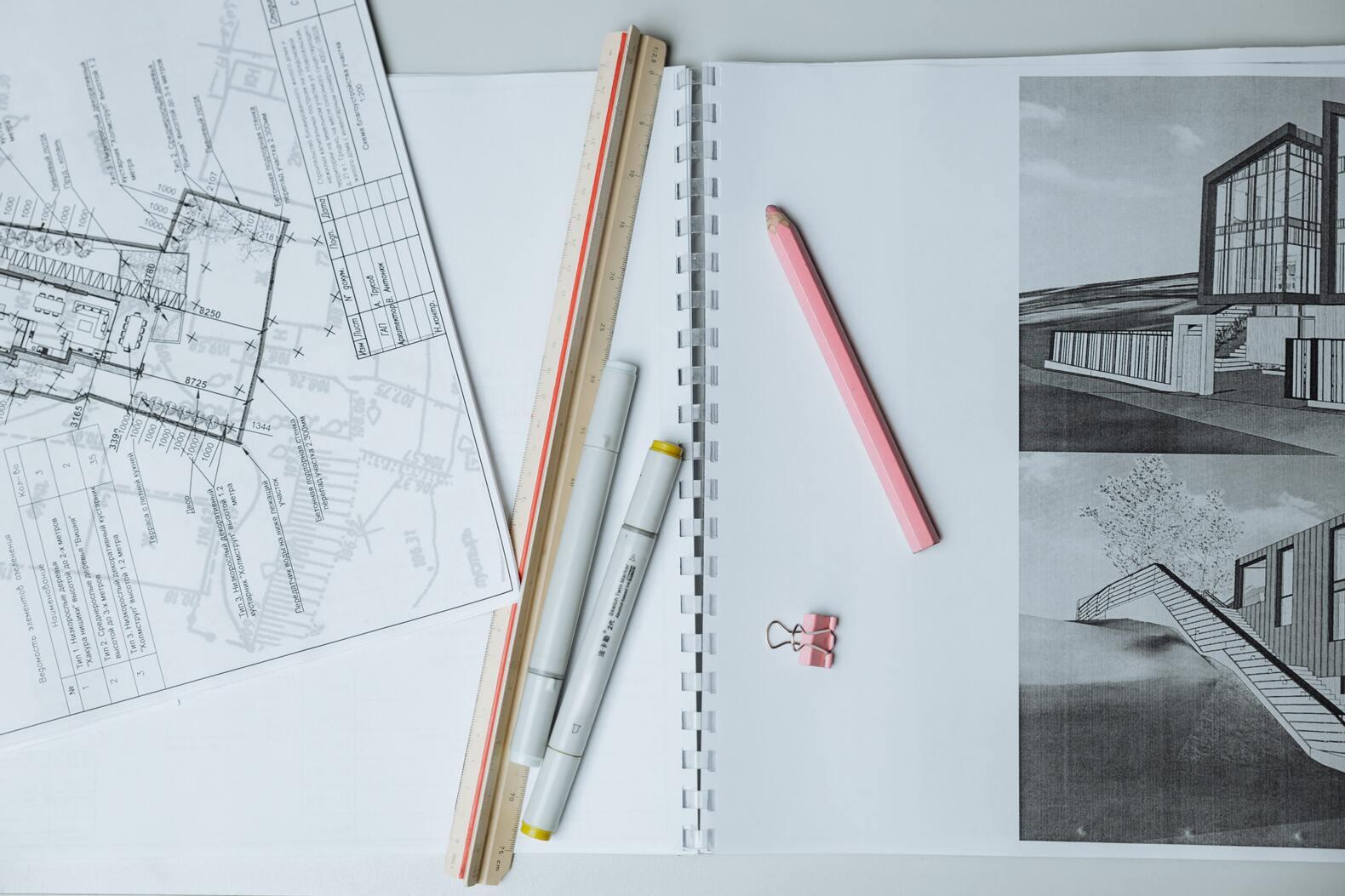
Hi I'm Jeffrey. I am an architecture student focused on expanding the reach and impact of the student design community. My interests lie at the intersection of architecture, engineering, and business.
Endorsements
UGC Creator
Campus professional
About Me

University of Toronto

Toronto, ON, CA

Honours Bachelor of Arts in Architectural Studies

Class of 2027
Etobicoke School of the Arts
Major in Visual Arts
Class of 06/2023
Etobicoke School of the Arts
Major in Visual Arts
Class of 06/2023

Toronto, ON, Canada
Skills
Interests
Brands I Follow

Interview Questions
Adobe
Adobe Creative Cloud Student Creator

Please link your IG/TikTok accounts HERE.
Adobe
Adobe Creative Cloud Student Creator
KNowing the tone and Style expectations in the GIG description, Brainstorm a concept you'd bring to life if you're accepted into this GIG.
One concept I would develop is “One Project, Three Programs,” where I show how a single studio assignment moves from raw files to a portfolio-ready spread using Photoshop, Illustrator, and InDesign. The content would begin with unfinished renders and rough diagrams, then walk through my workflow: enhancing visuals in Photoshop, refining diagrams and graphic hierarchy in Illustrator, and structuring everything into a clean, professional layout in InDesign. The focus would be on process and growth, demonstrating how Creative Cloud elevates student work to industry standards. Another idea is “Studio Crit Glow-Up,” where I respond directly to feedback from a critique and document how I improve the project using the same tools. By clarifying diagrams in Illustrator, strengthening visual depth in Photoshop, and reorganizing layouts in InDesign, I would show how thoughtful refinement transforms a project. This keeps the tone authentic and progress-driven while highlighting real learning moments. Since I use Adobe Creative Cloud on a daily basis, there are multiple concepts I could develop beyond these examples. I integrate Photoshop, Illustrator, and InDesign not only into creative studio work, but also into academic presentations and professional-facing materials, making Creative Cloud a consistent part of how I think, design, and communicate across school and industry contexts.
Adobe
Adobe Creative Cloud Student Creator
What adobe applications do you have experience with? Please elaborate.
As an architecture student, designer, photographer, and editor, I use Adobe Creative Cloud as an integrated workflow across my academic and media projects. I primarily use Photoshop for render post-production, image compositing, and presentation graphics, and Illustrator for diagramming, vector drawings, and branding materials. InDesign is central to organizing portfolios, studio reviews, and publication layouts. As a photographer, I use Lightroom for batch editing and color correction, and Premiere Pro for editing studio walkthroughs, event documentation, and short-form digital content. Together, these tools form a cohesive production pipeline that supports my design communication, academic presentations, and digital storytelling.