



He/Him
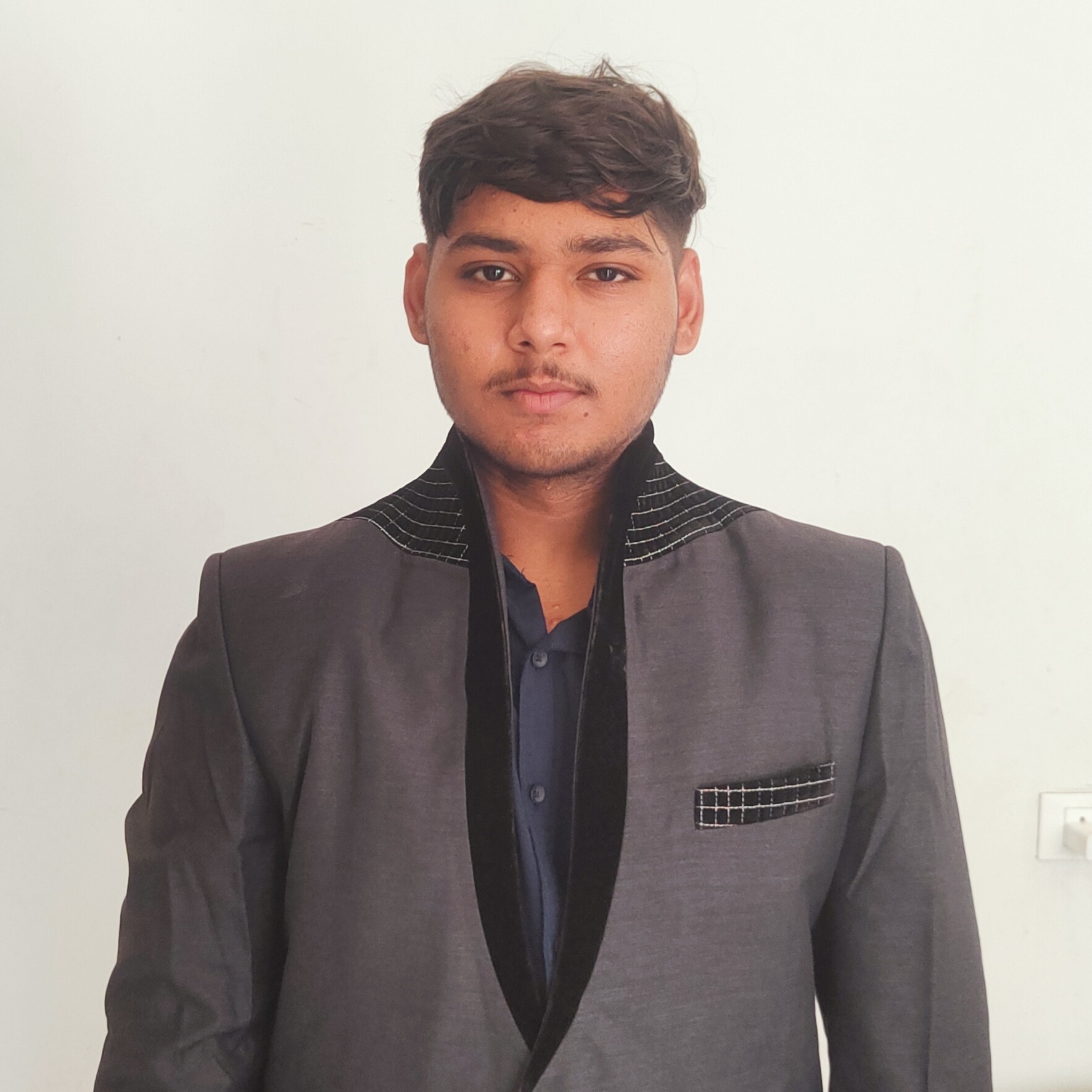
Jash

I am persuing IT engineering in one of the govt. College in gujarat. I want to do intership for experience
About Me

Ahmedabad, Gujarat, India
Skills
Interests
Brands I Follow





Interview Questions
Adobe
Adobe Acrobat Student Creator

Please link your IG/TikTok accounts HERE.
jash.talati49
Adobe
Adobe Acrobat Student Creator
KNowing the tone and Style expectations in the GIG description, Brainstorm a concept you'd bring to life if you're accepted into this GIG.
If selected, I would create a “Day in My Life as a Student” style video that naturally integrates Adobe Acrobat into my daily academic workflow.
The concept would follow a relatable student journey—starting from receiving messy notes or assignments, to organizing, editing, and presenting them in a clean, professional format using Adobe Acrobat. Instead of making it feel like an advertisement, I would focus on the transformation: how simple tools can make a student’s work look more polished and career-ready.
The tone would be casual, honest, and student-first—using voiceover or on-screen text to explain what I’m doing and why it helps. For example, I would show how I annotate PDFs for studying, combine files for submissions, and create presentable documents that can also be used in a portfolio.
Alongside the video, I would create a story-style post that highlights quick before-and-after comparisons and small tips, making it engaging and easy to understand for other students.
Overall, my goal would be to inspire students by showing that professional-quality work isn’t just for professionals—it can start right from college with the right tools and mindset.
Adobe
Adobe Acrobat Student Creator
What adobe applications do you have experience with? Please elaborate.
I have hands-on experience with Adobe Acrobat and a basic working familiarity with tools from Adobe Creative Cloud. I regularly use Adobe Acrobat for managing academic documents—such as editing PDFs, organizing notes, adding annotations, and creating clean, professional-looking assignments.
Along with that, I have explored tools like Photoshop and Premiere Pro at a beginner level to understand visual content creation and basic editing workflows. I am comfortable using mobile editing tools like CapCut for short-form content and storytelling, which helps me create engaging and relatable student-focused content.
I am continuously learning and improving my skills in Adobe tools, especially in using them to present ideas more professionally and creatively. I enjoy experimenting with digital content and aim to use Adobe applications to build strong portfolios and real-world creative projects.