



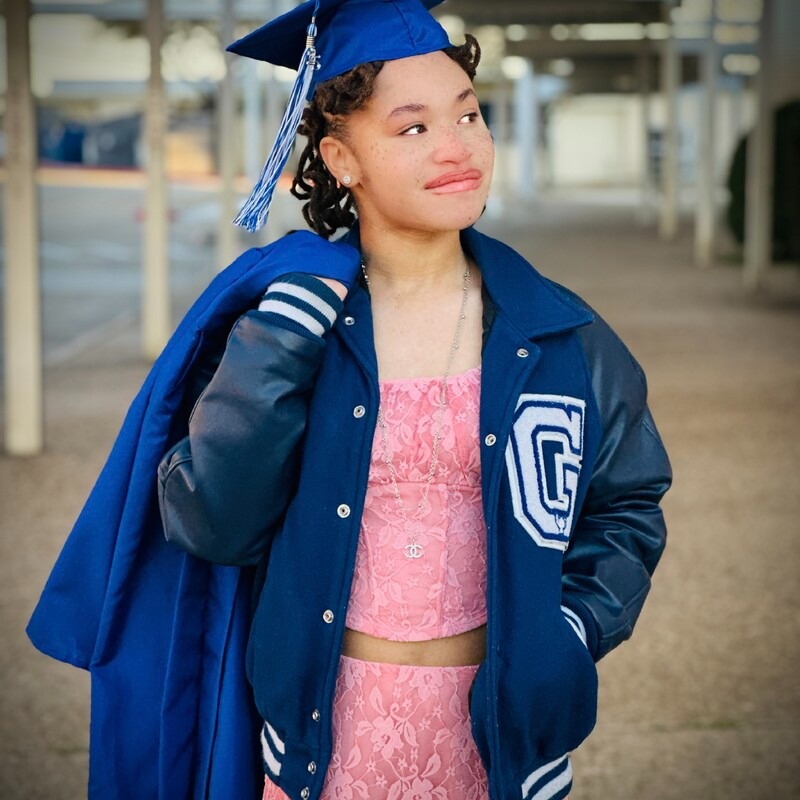
She/Her
Irhianna

I’m a bold and imaginative go-getter on a mission to unleash my business and creative passions without limits!
Endorsements
Campus professional
About Me

The University of Texas at Arlington

Arlington, TX, US

social work

Class of 2029
University of texas at arlington
social work
Class of 05/2029
Early College Grand Prairie High School
Class of 05/2025
Dallas community college
Class of 05/2025
Grand Prairie High School
Early College Program
Class of 05/2025
Dallas community college
associate of science
Class of 05/2025

Grand Prairie, TX, USA
Skills
Interests
Brands I Follow


Interview Questions
Youtube Multiplier
Multimedia Editor for YouTube Mashups
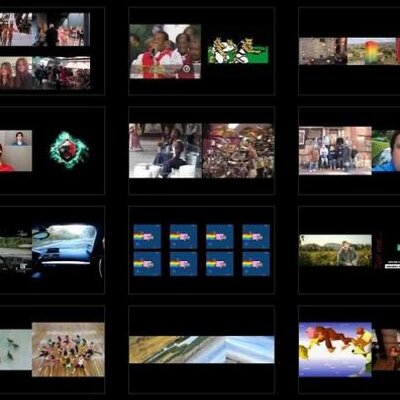
What tools or software are you most comfortable using for video editing mashups?
I’m most comfortable using tools that make syncing, layering, and mixing multiple video and audio sources fast and precise. My main go‑to is Adobe Premiere Pro because its timeline controls, waveform syncing, and multi‑track editing make it perfect for mashups. I also use CapCut for quick edits, beat syncing, and adding clean transitions or effects when I need speed without sacrificing quality. For audio cleanup and mixing, I work well with Audacity or Adobe Audition, especially when balancing multiple sound sources. And when I need to pull assets together or adjust visuals, I’m comfortable using tools like Photoshop or Canva for thumbnails and supporting graphics. Overall, I’m confident working across both professional and creator‑focused tools, and I choose whatever delivers the smoothest, most engaging mashup.
Youtube Multiplier
Multimedia Editor for YouTube Mashups
How do you approach syncing multiple audio and video sources effectively?
When I’m syncing multiple audio and video sources for a YouTube mashup, I approach it with a workflow that keeps everything clean, fast, and accurate. I start by organizing all clips and audio files so I know exactly what belongs where. Then I look for strong sync points—usually waveform spikes, beats, or distinct moments in the clips—to lock everything together quickly. Since mashups rely heavily on rhythm, I use the music as my anchor. I match beats visually through waveforms, then fine‑tune by watching transitions, lip movements, and timing to make sure every cut hits exactly when it should. If something feels even slightly off, I adjust it until the flow is tight and natural. I’m confident in this process because it lets me move fast without sacrificing quality. The final product is smooth, energetic, and engaging—exactly what a good mashup needs. My goal is always to create something that feels seamless to the viewer, no matter how many sources are behind the scenes.