


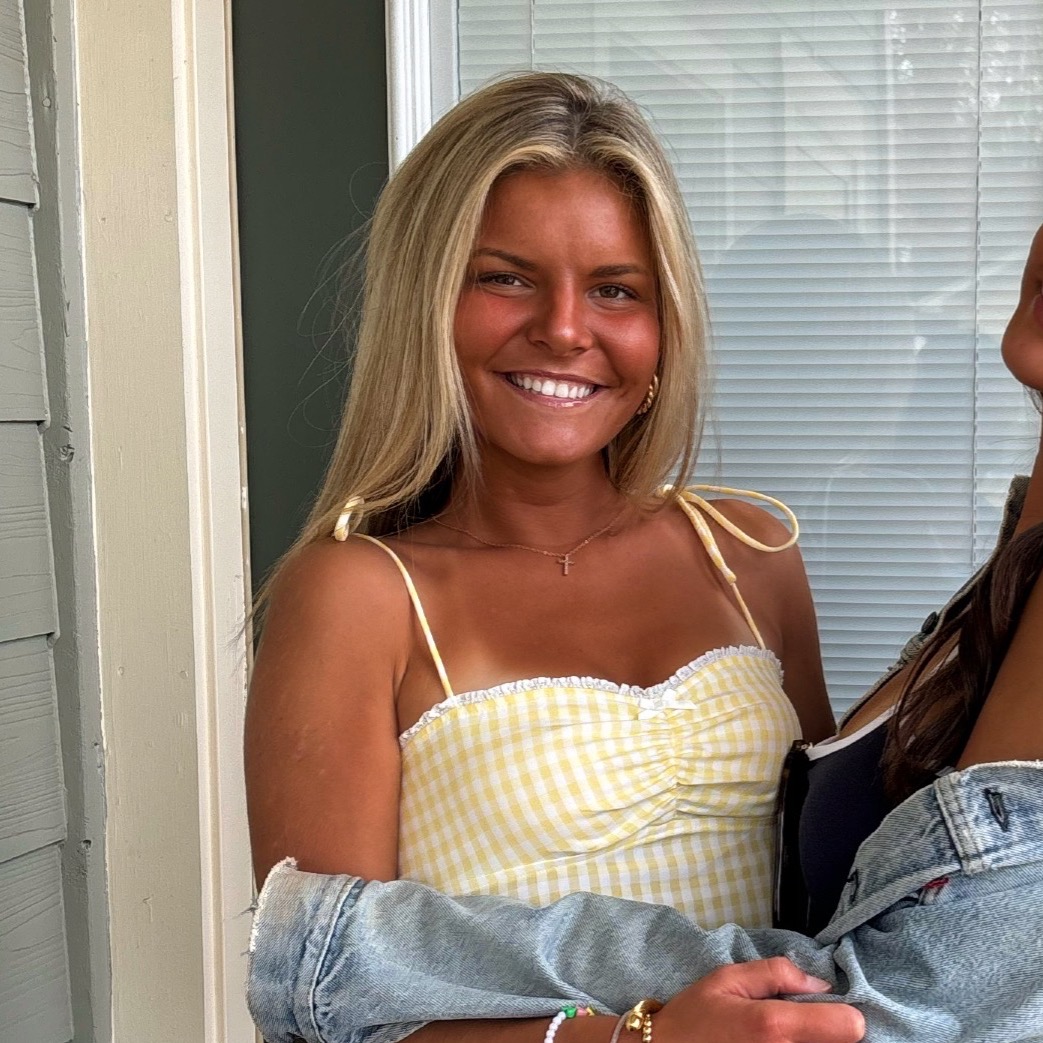
She/Her
Emily

I am a fun loving college student who loves working with and being around people. I am very ambitious and love trying new things!
Endorsements
Verified
21+
UGC Creator
Campus professional
About Me

James Madison University

Harrisonburg, VA, US

Hospitality Management & Business (BS), Business

Class of 2027

Philadelphia, PA, USA
Skills
Interests
My Clubs and Associations

Alpha Sigma Alpha
Brands I Follow




GIG Work on H\FC

Proper Wild Content Creator
Proper Wild
Interview Questions
Home From College
Operations Intern — Account Management & Coordination

Describe a time you coordinated a project or event successfully.
At my job at Step Above Events, I helped coordinate an event shift where we were hosting a larger-than-usual group and had a set schedule of activities and food service to manage. Before the event started, I helped set up the space, making sure everything was organized and ready for guests to arrive on time. Once things began, I helped keep the schedule moving by coordinating between staff so each part of the event—food, guest flow, and activities—ran smoothly and didn’t overlap or fall behind. During the event, I communicated constantly with my team so we could adjust quickly if anything changed, like timing shifts or guest needs. I also stepped in to help wherever things were busiest so nothing got backed up. Overall, the event went really smoothly, guests stayed engaged, and everything stayed on schedule, which came down to staying organized and making sure the team was always on the same page.
Home From College
Operations Intern — Account Management & Coordination
Have you had any account management experience or worked in an agency?
No not yet but I would extremely excited and open to learn!
RYSE Energy
Social Media Intern

What tools do you use to create and edit content on your phone?
I use a mix of apps to create and edit content directly from my phone. Canva is one of my main tools for designing graphics, editing videos, and creating visually cohesive posts. I also use CapCut for more detailed video editing, especially for TikTok-style content with transitions, captions, and trending effects. For quick edits and aesthetic content, I use VSCO and Lightroom Mobile to enhance photos and keep a consistent look. I also rely on TikTok and Instagram’s built-in editing tools since they’re great for staying aligned with current trends and optimizing content for each platform. Overall, I like using a combination of tools depending on the type of content, which helps me create polished, engaging posts efficiently.