


Danica Muroff

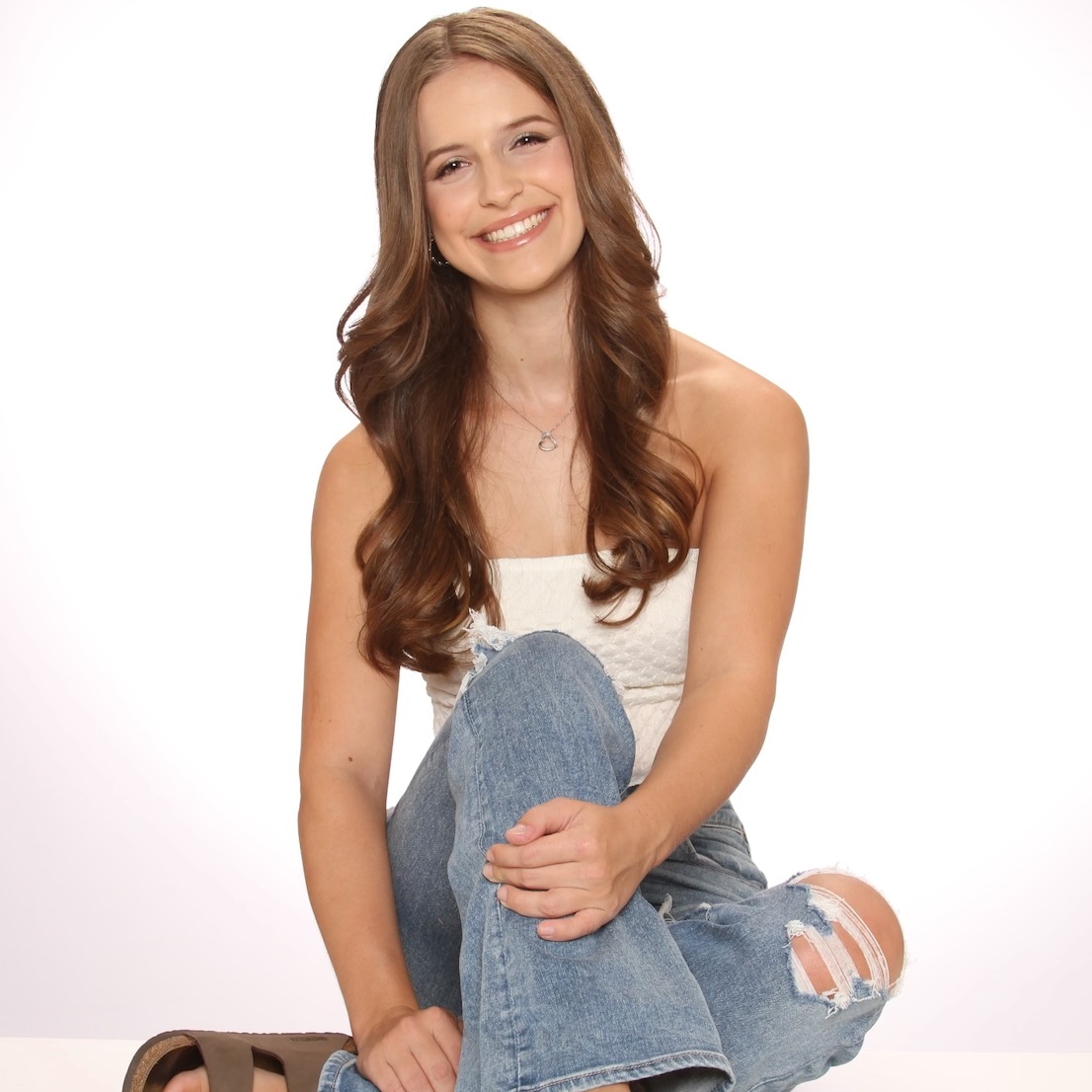
I’m a Psychology major and Microbiology & Immunology minor, Crisis Text Line volunteer, lab research assistant, Assistant Philanthropy Chair for ΔΔΔ, content creator, gym enthusiast, and artist!
Platform Rating
My Socials


Endorsements
Recently Active
Responsive
UGC Creator
Campus professional
About Me

University of Miami

Coral Gables, FL, US

Psychology, Microbiology & Immunology; Counseling

Class of 2028

Coral Gables, FL, USA
Skills
Interests
Brands I Follow





Interview Questions
HYSKIN
Content Creator for Instagram & TikTok
How do you ensure your content aligns with a brand’s identity?
Ensuring that content aligns with a brand's identity starts with thorough research and understanding the brand's values, target audience, visual style, and overall messaging. Before creating any content, I spend time reviewing the brand's social media channels, website, previous campaigns, and creative guidelines to understand what makes the brand unique and how they communicate with their audience.
Once I understand the brand's identity, I incorporate those elements into every stage of the content creation process, from concept development and filming to editing and final delivery. I pay attention to factors such as tone of voice, aesthetics, color palette, pacing, and the types of content that resonate with the brand's audience. At the same time, I ensure the content still feels authentic and natural, which helps maintain audience trust and engagement.
I also use any creative briefs, shot lists, or campaign requirements provided by the brand as a roadmap throughout the process. Before submitting content, I review it against the original brief to confirm that all messaging points, visual requirements, and brand objectives have been successfully incorporated.
My goal is to create content that feels like a seamless extension of the brand while still leveraging my creativity and understanding of social media trends. By balancing brand consistency with authentic storytelling, I can produce content that aligns with a brand's identity and performs well with its target audience.
HYSKIN
Content Creator for Instagram & TikTok
What strategies do you use to make content go viral on TikTok or Instagram?
While there is no guaranteed formula for making content go viral, I focus on strategies that consistently increase engagement, reach, and shareability. The most important factor is capturing attention immediately, so I always prioritize a strong hook within the first few seconds of a video. Whether it's a surprising result, a relatable problem, an aesthetic transformation, or a curiosity-driven statement, the goal is to give viewers a reason to stop scrolling and continue watching.
I also stay highly engaged with current social media trends, including trending sounds, editing styles, content formats, and audience interests. Rather than simply copying trends, I adapt them to fit the brand's identity and messaging so the content feels both relevant and authentic.
Another strategy I use is focusing on storytelling. Even short videos perform better when they take viewers through an experience or transformation rather than simply showing a product. For beauty and skincare content, this could include demonstrating a routine, showing before-and-after results, sharing a personal experience, or highlighting a specific benefit in a way that feels natural and relatable.
I also pay close attention to visual quality, pacing, and audience retention. Dynamic shots, close-ups, smooth transitions, and concise editing help keep viewers engaged throughout the video. For Instagram specifically, I also consider overall aesthetics and how content contributes to a cohesive brand presence.
Finally, I create content that encourages interaction by making it relatable, informative, or shareable. People are more likely to engage with content that teaches them something, solves a problem, inspires them, or reflects their own experiences. By combining trend awareness, strong storytelling, high-quality visuals, and audience-focused content, I maximize the likelihood of strong organic performance across both TikTok and Instagram.
Saywise
Campus Ambassador for Saywise Resume 2.0

What strategies would you use to gather product feedback from students?
To gather meaningful product feedback from students, I would focus on creating multiple opportunities for honest and convenient participation. As a student myself, I understand that students are more likely to provide feedback when the process is simple, engaging, and directly relevant to their experiences.
One strategy would be conducting informal conversations during campus events, organization meetings, and networking opportunities. These face-to-face interactions often lead to more detailed insights because students can openly discuss what they like, what challenges they encounter, and what improvements they would like to see. I would also encourage students to share specific examples of how they used Resume 2.0 during internship, job, research, or graduate school applications.
I would complement these conversations with short surveys distributed through social media, group chats, student organizations, and campus networks. Keeping surveys concise while including a mix of quantitative and open-ended questions would help maximize participation and provide both measurable data and detailed feedback.
In addition, I would monitor comments, direct messages, and discussions generated through social media content promoting the platform. Students often share honest opinions online, which can provide valuable insights into user experiences, questions, and common concerns.
Finally, I would look for patterns across the feedback collected and summarize key themes, including what students find most valuable, areas where they experience confusion, and features they would like to see added. By combining in-person conversations, surveys, and digital engagement, I would be able to gather well-rounded feedback that accurately reflects the needs and perspectives of the campus community.